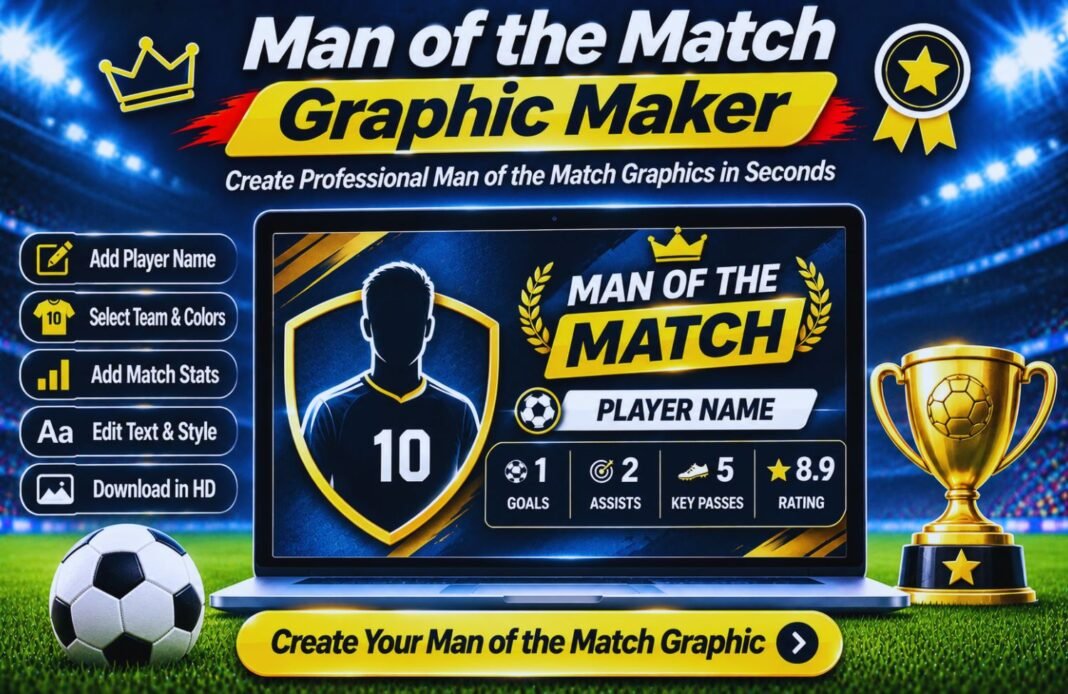
Celebrate standout performances with our free Man of the Match Graphic Maker. Create custom football graphics to highlight the best player with name, photo, and match details.
Man Of The Match Graphic Maker
Celebrate your best player in minutes. This free man of the match graphic maker turns a photo, the score and a few stats into a professional social media graphic. Choose from 6 templates, use your club colours and badge, and download a square post, a story or a landscape image, plus a ready-made caption.
- Player
- Match & Design
- Download
My Graphics
Photos stay on your device. Only use photos you have permission to share, and ask parents before posting photos of children.
Man Of The Match Graphics For Every Platform
Square posts, stories and landscape images.
How To Use The Man Of The Match Graphic Maker
Three steps, about two minutes.
Add The Player
Name, number, position, photo and up to four stats.
Add The Match
Teams, score, competition, date and your club badge.
Pick A Design
Choose a template, size and your club colours.
Download And Post
Save a PNG and copy the ready-made caption.
Why Use A Man Of The Match Graphic Maker?
Every club, from Sunday league to academy teams, wants to celebrate its standout players. A good matchday graphic gets more likes, shares and comments than a plain photo, and players love seeing themselves on the club’s page. But design software takes time, and templates often don’t fit your colours.
This man of the match graphic maker does the design for you. Type the details, upload a photo and the layout adjusts automatically: long names shrink to fit, stats line up neatly, and the score bar shows both teams. Your photos never leave your device, and you can save your club’s design to reuse every matchday.
Six Man Of The Match Templates
Every template in the man of the match graphic maker works in all three sizes.
Classic
Bold and cleanYour main colour with the photo fading in from the side and a big score bar.
- Best for: weekly club posts
Diagonal
EnergeticA sharp diagonal split, an angled photo and a highlighted award tag.
- Best for: big wins and derbies
Scoreboard
Matchday feelDark stadium style with pitch lines and a glowing scoreboard.
- Best for: night games and cup ties
Spotlight
Star treatmentThe player in a ringed circle under a spotlight glow.
- Best for: stories and awards nights
Minimal
Light and modernA clean white layout with your colour as the accent.
- Best for: websites and newsletters
Poster
RetroHalftone dots, a giant MOTM outline and a bold ringed photo.
- Best for: standing out in the feed
Graphic Sizes For Social Media
Pick the right size in the man of the match graphic maker.
| Size | Pixels | Use It For |
|---|---|---|
| Square Post | 1080 × 1080 | Instagram and Facebook feed posts |
| Story | 1080 × 1920 | Instagram and Facebook Stories, WhatsApp Status, TikTok |
| Landscape | 1200 × 675 | X (Twitter), Facebook links, club websites |
| HD PNG | Double size | Printing and big screens |
The man of the match graphic maker also downloads a JPG (a smaller file for WhatsApp), an SVG for designers and a PDF with GlobeHour branding.
Tips For A Great Man Of The Match Graphic
Get the most from the man of the match graphic maker.
- Use a sharp photo with the player’s head and shoulders in view.
- Plain backgrounds look best; avoid busy crowds behind the player.
- Pick stats that tell the story: goals for strikers, saves for keepers.
- Keep the award title short so it stays big and readable.
- Use your real kit colours so fans recognise your club instantly.
- Post within an hour of the final whistle for the most engagement.
- Tag the player and the sponsor in your caption.
- Always get permission before posting photos, especially of children.
Man Of The Match Graphic Maker FAQ
What Is A Man Of The Match Graphic Maker?
A man of the match graphic maker creates a ready-to-post image for your best player. Add a photo, the player’s name, the score and match stats, choose a template and colours, then download a PNG for Instagram, Facebook, X or WhatsApp.
Is The Man Of The Match Graphic Maker Free?
Yes. The man of the match graphic maker is completely free, needs no sign-up and has no watermark you can’t remove. The small GlobeHour.com credit can be switched off.
Is My Player’s Photo Uploaded Anywhere?
No. Photos and badges are processed in your browser and never uploaded to a server. They’re only saved in your browser if you save a design.
What Sizes Can I Make?
Square posts (1080 × 1080) for Instagram and Facebook, stories (1080 × 1920) for Instagram and WhatsApp Status, and landscape graphics (1200 × 675) for X and websites. You can also download a double-size HD PNG.
Can I Change The Award Title?
Yes. Use Man Of The Match, Player Of The Match, Woman Of The Match, Player Of The Day, or type your own title, like Golden Boot or Coach’s Award.
How Do I Frame The Photo?
After uploading, use the Zoom, Left/Right and Up/Down sliders to position the player. Photos with the player’s head near the top and a plain background work best.
Which Stats Should I Show?
Up to four. For forwards, use goals, assists and shots; for defenders, tackles and interceptions; for keepers, saves and clean sheets. Leave a value empty to hide that stat.
Can I Add My Club Badge?
Yes. Upload your badge as a PNG (ideally with a transparent background). Without a badge, the man of the match graphic maker shows your team’s initials in a coloured circle.
Can I Save Designs For Next Week?
Yes. Save up to six designs in your browser, or copy a design link to reuse the layout, colours and text. Photos aren’t included in links.
Does It Work On A Phone?
Yes. On phones, the live preview stays at the top of the screen while you edit, and downloads save straight to your device.
Related GlobeHour Football Tools
More free tools to use with the man of the match graphic maker.
Who Was Your Man Of The Match?
Open the man of the match graphic maker and have your post ready before the team leaves the changing room.
Make A Graphic