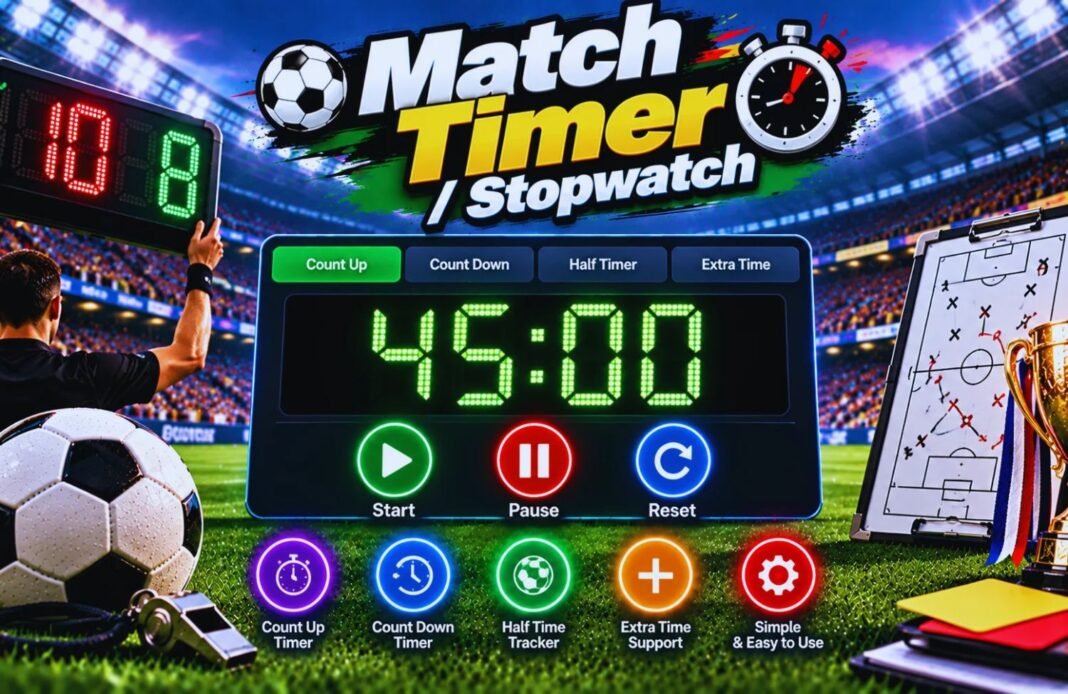
Keeping track of match time is important for players, coaches, and referees. The Match Timer / Stopwatch makes it easy to monitor football match duration, training sessions, and practice drills. Simply start, pause, or reset the timer whenever needed. Whether you’re managing a full 90-minute match or a quick training session, this tool helps you stay organized and keep track of every minute on the pitch.
Football Match Timer And Stopwatch
Time every half, break and minute of added time with this free football match timer. Switch to a stopwatch with lap times, a countdown for drills or an interval timer for fitness training. Big numbers, beeps, vibration, fullscreen TV mode and a session report when you finish.
- Choose Timer
- Timer
- Session Report
Which Timer Do You Need?
Pick a timer and set it up. Everything is optional except the times.
Press Start, then Lap each time a player finishes a lap, rep or sprint. You’ll see every split, the fastest and slowest lap and the average. Great for timing runs, the 2 km test or warm-up circuits.
Please check your timer.
The timer keeps the right time if you lock your phone or refresh. On a computer, press the space bar to start or pause, and L for a lap.
A Match Timer And Stopwatch In One
Four timers for everything that happens on and around the pitch.
How To Use The Football Match Timer
Four quick steps from setup to session report.
Pick A Timer
Match timer, stopwatch, countdown or interval.
Set The Times
Choose half length, breaks, rounds or a preset.
Press Start
Pause, add time, record laps or go fullscreen.
Save The Session
Download a PDF or CSV of every period or lap.
What Is A Football Match Timer?
A football match timer is a clock made for the way football is timed. Instead of a basic stopwatch, the match timer knows about halves, half-time and added time. It counts up from 0 to 45 and 45 to 90 like the clock on TV, or counts down so you can see exactly how long is left in each half.
When a half reaches its full length, the football match timer beeps and vibrates, then keeps counting in red to show the added time until the referee blows the whistle. Half-time runs as its own countdown, so you always know when the second half should start. You can also split a game into four quarters for youth football or futsal-style formats.
The same tool works as an online stopwatch with lap times, a countdown timer for drills and an interval timer for fitness sessions. It is ideal for referees, coaches, parents running the clock at youth games, five-a-side organisers and players training on their own.
Choose The Right Timer
Match Timer
Halves, quarters, added timeTime each half, the half-time break and added time. Count up like TV or count down to zero.
- Best for: matches, referees and parents
- Shows: 45:00 +1:20 when time is up
Stopwatch
Laps and splitsTime to one hundredth of a second and record unlimited laps with fastest and slowest highlighted.
- Best for: runs, fitness tests, sprints
- Export: laps as PDF or CSV
Countdown
Drills and breaksCount down from any time with beeps in the last three seconds and a long beep at zero.
- Best for: drills, stretches, water breaks
- Presets: 1 to 30 minutes
Interval Timer
Work and rest roundsRun work and rest rounds automatically, with green for work and blue for rest.
- Best for: HIIT, conditioning, small-sided games
- Presets: 4 × 4, Tabata, 30/30, 15/15
Interval Training Presets For Footballers
| Preset | Work | Rest | Rounds | Total |
|---|---|---|---|---|
| 4 × 4 Min HIIT | 4 min | 3 min | 4 | 25 min |
| Small-Sided Games | 3 min | 2 min | 4 | 18 min |
| Tabata 20/10 | 20 s | 10 s | 8 | 3 min 50 s |
| 30/30 Runs | 30 s | 30 s | 10 | 9 min 30 s |
| 15/15 Sprints | 15 s | 15 s | 12 | 5 min 45 s |
The 4 × 4 format, four minutes hard with three minutes of easy jogging, was used in a well-known study of youth footballers by Helgerud and colleagues (2001), where players improved their aerobic fitness and covered more distance in matches. Always warm up first, and build up the number of rounds gradually.
Typical Half Lengths For The Match Timer
| Level | Typical Half | Half-Time |
|---|---|---|
| Adult 11-a-side | 45 minutes | Up to 15 minutes |
| U15–U18 | 40–45 minutes | 10–15 minutes |
| U11–U14 | 30–35 minutes | 5–10 minutes |
| U7–U10 | 20–25 minutes | 5 minutes |
| Futsal | 20 minutes (stopped clock) | Up to 15 minutes |
The Laws of the Game allow up to 15 minutes for half-time in adult football. Youth match lengths are set by your league or national association and can be split into halves or quarters, so check your league handbook and set the match timer to match.
Tips For Timing A Football Match
- Start the match timer on the referee’s whistle, not before.
- Use Pause only if your league uses a stopped clock.
- Use the 10-second buttons to match the referee’s watch.
- Keep Screen On stops your phone sleeping during a half.
- Turn the volume up so you hear the end-of-half beep.
- Show the timer fullscreen on a tablet by the touchline.
- Use the stopwatch’s Lap button for fitness test runs.
- Download the session to keep a record of added time.
Football Match Timer And Stopwatch FAQ
What Is A Football Match Timer?
A football match timer is a clock for timing halves, breaks and added time during a game. This match timer also works as a stopwatch, a countdown and an interval timer for training.
Is The Match Timer And Stopwatch Free?
Yes. The match timer and stopwatch are completely free, need no sign-up or app, and work on phones, tablets and computers.
Does The Timer Keep Running If I Lock My Phone?
Yes. The match timer works from the real time the clock started, so it shows the right time when you unlock your phone or refresh the page. Turn on Keep Screen On to stop your phone sleeping.
Can The Match Timer Count Down Instead Of Up?
Yes. Choose Count Up to see 0 to 45 and 45 to 90 like on TV, or Count Down to see the time left in each half.
How Does The Timer Show Added Time?
When a half reaches its full length, the match timer beeps and keeps counting in red, like +1:20, until you end the half.
Can I Use It For Quarters?
Yes. Choose 4 Quarters for games played in quarters. The timer adds a short break between quarters and a longer half-time break.
How Do I Record Lap Times?
Choose Stopwatch, press Start, then press Lap (or the L key) each time a player finishes a lap or rep. The fastest and slowest laps are highlighted.
What Interval Training Presets Are Included?
4 × 4 minute HIIT, small-sided games, Tabata 20/10, 30/30 runs and 15/15 sprints. You can also set your own work time, rest time and rounds.
Can I Show The Timer On A Big Screen?
Yes. Tap Fullscreen to show huge numbers on a TV, projector or tablet. On phones that block fullscreen, TV mode fills the screen instead.
Can I Save My Session?
Yes. When you finish, download the session as a PDF or CSV, or copy it to share. Your last session is also saved in your browser.
Related GlobeHour Football Tools
Ready To Start The Clock?
Pick a timer and press Start. The football match timer and stopwatch are free and need no app.
Open The Match Timer