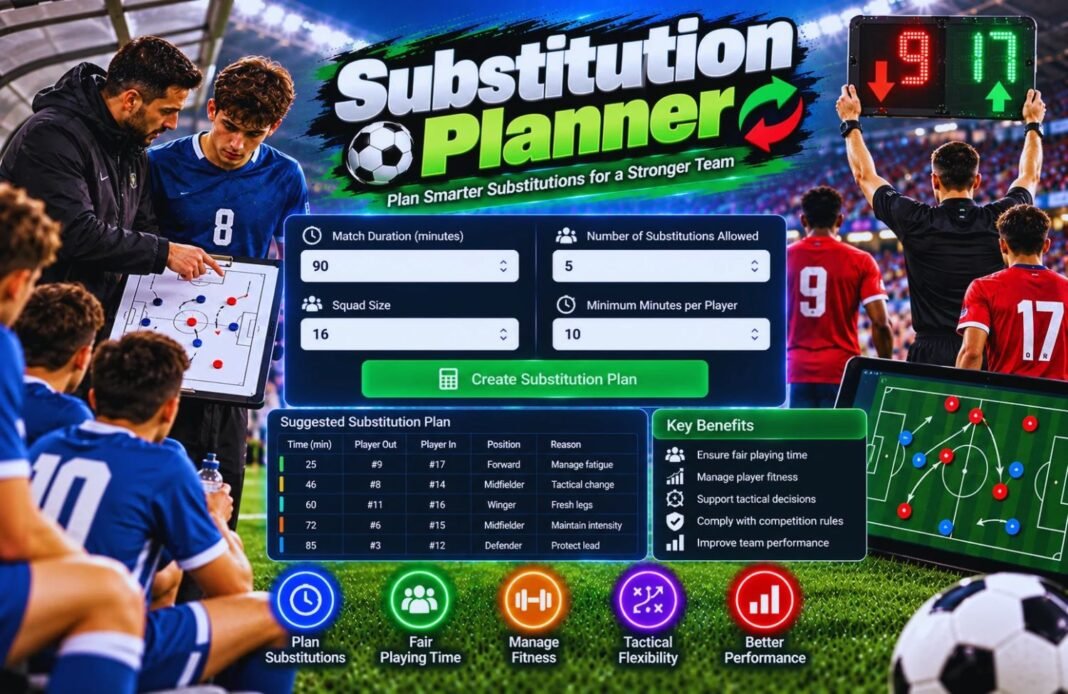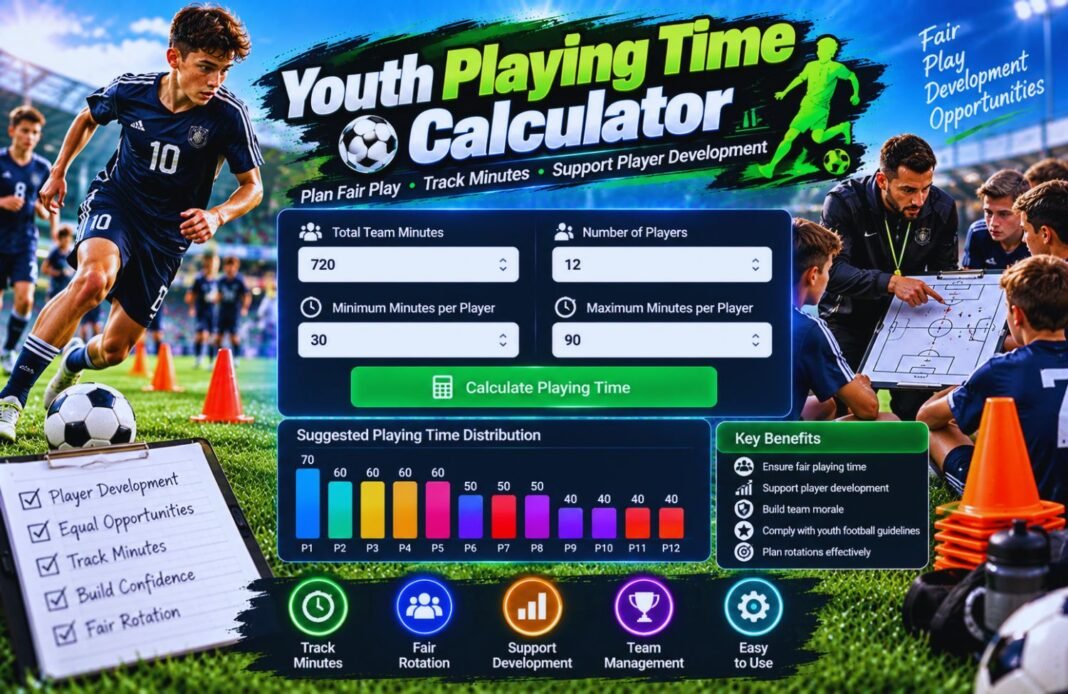
Our Youth Playing Time Calculator helps coaches and parents calculate match minutes for young football players. Track playing time, compare participation, and manage fair game time easily with this free tool.
Youth Playing Time Calculator
Work out fair minutes for every player and get a ready-made substitution plan for 4v4, 7v7, 9v9 or 11v11 youth soccer. Rotate the goalkeeper, see who sits when and print the plan for game day.
The calculator is still loading. If this message stays, please refresh the page.
- Match Setup
- Your Players
- Playing Time
Set Up The Match
Pick your age group format, then change any number to match your league.
Add Your Players
One name per line. Add GK after a name to make them a goalkeeper, for example “Ethan GK”.
This plan shares minutes as evenly as the sub breaks allow. Always follow your league’s own playing-time rules and adjust for injuries or tired players.
How Many Minutes Each Player Gets
Equal minutes per player with a full roster and with a smaller roster, using standard youth match lengths.
How The Playing Time Calculator Works
Four quick steps to a fair game-day plan.
Pick The Format
4v4, 7v7, 9v9, 11v11 or custom.
Set Sub Breaks
How often you can change players.
Add Your Roster
Everyone who showed up today.
Get The Plan
Minutes, rotation chart and a PDF.
What Is A Youth Playing Time Calculator?
In youth soccer, every player should get real minutes. Splitting time fairly is hard on the sideline, especially with a big roster, short halves and a goalkeeper to rotate. A youth playing time calculator does the math for you before kick-off.
The GlobeHour Youth Playing Time Calculator works out each player’s fair share of minutes, then builds a full rotation plan. It shows who starts, who comes on at each sub break, who plays in goal and how many minutes everyone ends up with. You can copy the plan for your assistant coach or print it as a PDF for the bench.
Youth Soccer Match Formats And Lengths
Small-sided standards used by many US youth leagues. Your league may differ.
| Age Group | Format | Goalkeeper | Match Length | Max Roster |
|---|---|---|---|---|
| U6–U8 | 4v4 | No | 4 × 10 min | 8 |
| U9–U10 | 7v7 | Yes | 2 × 25 min | 14 |
| U11–U12 | 9v9 | Yes | 2 × 30 min | 16 |
| U13+ | 11v11 | Yes | Set by your league | Set by your league |
The 11v11 preset in the calculator uses 2 × 35 minutes as a starting point. Change it to your league’s match length.
How Fair Playing Time Is Calculated
Example: Coach Ryan of the Denver Peaks has 11 players for a 7v7 game, 2 × 25 minutes.
| Result | Formula | Example |
|---|---|---|
| Match Minutes | Periods × minutes per period | 2 × 25 = 50 min |
| Player Minutes | Players on the field × match minutes | 7 × 50 = 350 min |
| Fair Share | Player minutes ÷ roster size | 350 ÷ 11 = 31.8 min |
| Share Of Match | Fair share ÷ match minutes × 100 | 31.8 ÷ 50 × 100 = 64% |
| One Keeper All Match | (Field − 1) × match minutes ÷ (roster − 1) | 6 × 50 ÷ 10 = 30 min each |
Real minutes move in steps of your sub interval, so the plan keeps every player within about one shift of the fair share.
Tips For Fair Youth Substitutions
- Share the plan with parents before the season starts.
- Give an assistant coach the printed rotation chart.
- Rotate who starts each game, not just who subs.
- Let several players try goalkeeper before age 12.
- Use shorter shifts on hot days so players stay fresh.
- Keep a season log so minutes even out over many games.
- Don’t bench the same player at the end of every close game.
- Rebuild the plan if a player arrives late or gets hurt.
Youth Playing Time Calculator FAQ
How Do I Split Playing Time Fairly In Youth Soccer?
Multiply the players on the field by the match minutes, then divide by your roster size. That’s each player’s fair share. The calculator then builds a sub plan that gets everyone as close to it as possible.
Is The Youth Playing Time Calculator Free?
Yes. It is completely free, needs no sign-up and works on phones, tablets and computers. You can also download the plan as a PDF.
How Many Minutes Should Each Player Get?
It depends on your roster. In 7v7 with 2 × 25 minutes and 11 players, each player gets about 32 minutes. With 14 players it drops to 25 minutes, exactly half the game.
How Does The Goalkeeper Rotation Work?
Choose a new keeper each period and a different player goes in goal each half or quarter, playing that whole period. Or choose one keeper for the whole match and only the outfield players rotate.
How Often Should I Make Substitutions?
Many youth coaches sub every 5 to 10 minutes. Shorter shifts make minutes fairer and keep young players fresh, but you’ll make more changes.
Does It Work For 4v4 With No Goalkeeper?
Yes. When fewer than 5 players are on the field, the calculator plays without a goalkeeper and rotates everyone equally.
What If Everyone Can’t Get Exactly The Same Minutes?
Minutes change in steps of your sub interval, so small differences are normal. The plan keeps the gap between players as small as possible, usually one shift or less.
Can I Use It For Other Sports?
Yes. Choose Custom and set the players on the field, periods and minutes. It works for futsal, hockey or basketball style rotations too.
Is My Roster Saved?
Your roster and settings are saved only in your own browser. Nothing is sent to GlobeHour.
Related GlobeHour Tools
Give Every Player Fair Minutes
Build your substitution plan in under a minute and take it to the game.
Open The Playing Time Calculator