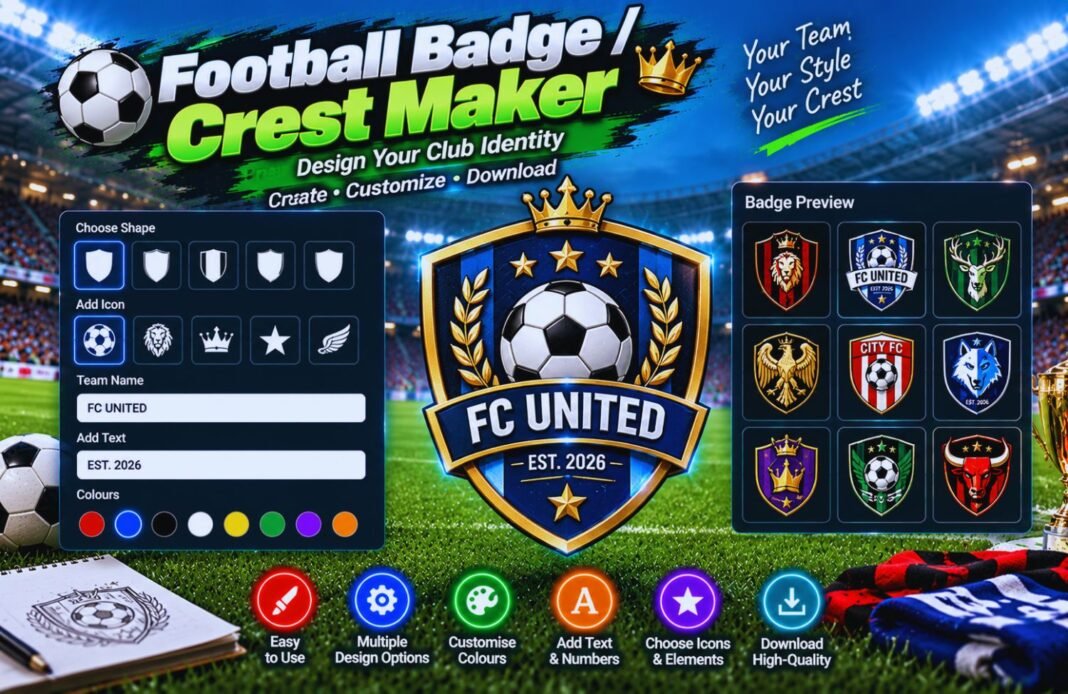
Our Football Badge / Crest Maker helps you design unique football club badges with custom colors, shapes, and symbols. Create a professional-looking team crest quickly and easily with this free online tool.
Football Badge & Crest Maker
Design your own club crest, piece by piece. This free football badge and crest maker gives you 7 shapes, 11 heraldic divisions, 15 emblems or your own image, curved text, a ribbon, the year your club was founded and stars for your titles. Download it as PNG, SVG or a PDF crest sheet.
- Shape & Colours
- Emblem & Text
- Download
My Crests
Your designs are saved in this browser. Make sure your crest doesn’t copy another club’s badge before using it on kits.
The Parts Of A Football Crest
Every part can be changed in the crest maker.
How To Use The Football Badge And Crest Maker
Four steps to your own club crest.
Shape And Colours
Pick a shape, a division and your three club colours.
Emblem
Choose one of 15 emblems or upload your own image.
Text And Stars
Add a monogram, curved text, ribbon, year and stars.
Download
The football badge and crest maker exports PNG, SVG and PDF.
What Is A Football Badge And Crest Maker?
A football badge and crest maker is an online design tool for club badges. Instead of paying a designer, you build the crest yourself: choose the outline, split it into club colours with a traditional division like quarters or a sash, add an emblem, and finish it with the club name, monogram and founding year.
Every change shows instantly in the live preview, and you can undo, try a random design or save up to 12 favourites to compare. When you’re happy, the football badge and crest maker exports a transparent PNG in three sizes, a print-ready SVG and a PDF crest sheet with your exact colour codes.
Crest Divisions Explained
Traditional ways to split a badge into colours, all available in the football badge and crest maker.
| Division | Pattern | Good For |
|---|---|---|
| Plain | One main colour | Simple, modern clubs |
| Halves | Split down the middle | Two equal club colours |
| Quarters | Four squares | Traditional, heraldic look |
| Sash | Diagonal band | Bold and dynamic |
| Saltire / Cross | X or + shaped cross | Clubs with local flag links |
| Chevron | Upside-down V | Classic, strong shape |
| Stripes / Hoops | Vertical or horizontal bands | Match your kit |
Which File Should You Download?
The football badge and crest maker gives you four ways to use your design.
PNG 512 / 1024 / 2048
Transparent imageFor social media, WhatsApp groups, websites and documents.
- Tip: use 2048 px for posters
SVG
Vector for printingStays sharp at any size. Send it to kit makers, embroiderers and printers.
- Tip: opens in Illustrator, Inkscape and Canva
Crest Sheet PDF
Brand guideYour crest with HEX and RGB colour codes and examples on dark and coloured backgrounds.
- Tip: share it with your committee
Share Link
Edit togetherSend a link that opens your exact crest so teammates can suggest changes.
- Tip: uploaded images aren’t included
Tips For Designing A Great Crest
- Use your kit colours so the crest and shirt match.
- Pick one strong emblem rather than several small ones.
- Keep text short: initials and a short ribbon read best.
- Check the small-size preview: a crest must work at 24 px.
- Choose colours with strong contrast, like navy and yellow.
- Add stars only for real titles your club has won.
- Avoid copying famous club badges, and keep your design original.
- Save a few versions in the football badge and crest maker and ask your team to vote.
Football Badge And Crest Maker FAQ
What Is A Football Badge And Crest Maker?
A football badge and crest maker lets you design a club crest yourself. Choose the shape, colours, division, emblem, text, founding year and stars, then download your crest as PNG, SVG or PDF.
Is The Crest Maker Free?
Yes. The football badge and crest maker is completely free, needs no sign-up and works on phones, tablets and computers.
Can I Upload My Own Image?
Yes. Choose My Image and upload a PNG, JPG or WebP picture, such as a local landmark or mascot drawing. It’s placed in the centre of your crest. Only use images you have the right to use.
What File Should I Use For Kits And Printing?
Use the SVG file. It’s a vector, so it stays sharp at any size on shirts, flags and banners. Use the PNG for social media and documents.
What Do The Stars Above A Crest Mean?
Many clubs and national teams add a star for each major title, such as a league championship or World Cup. Add up to five stars to your crest.
Can I Save More Than One Design?
Yes. Press Save to add the current crest to My Crests. Up to 12 designs are kept in your browser so you can compare them.
Can I Share My Crest With My Team?
Yes. Copy Share Link creates a link that opens your exact design. Uploaded images aren’t included in links, so send the PNG for those designs.
What’s The Difference From The Team Logo Generator?
The Team Logo Name Generator creates six designs for you automatically. The crest maker gives you full control over every part of the badge.
Can I Use The Crest For My Club?
Yes, you can use crests you make for your own team. Make sure your design doesn’t copy another club’s badge, and check your league’s rules for kits.
Does It Work On Mobile?
Yes. On phones the live preview stays at the top of the screen while you scroll through the options.
Related GlobeHour Football Tools
More free tools to use with the football badge and crest maker.
Ready To Design Your Crest?
Open the football badge and crest maker and build your club’s badge in minutes.
Open The Crest Maker