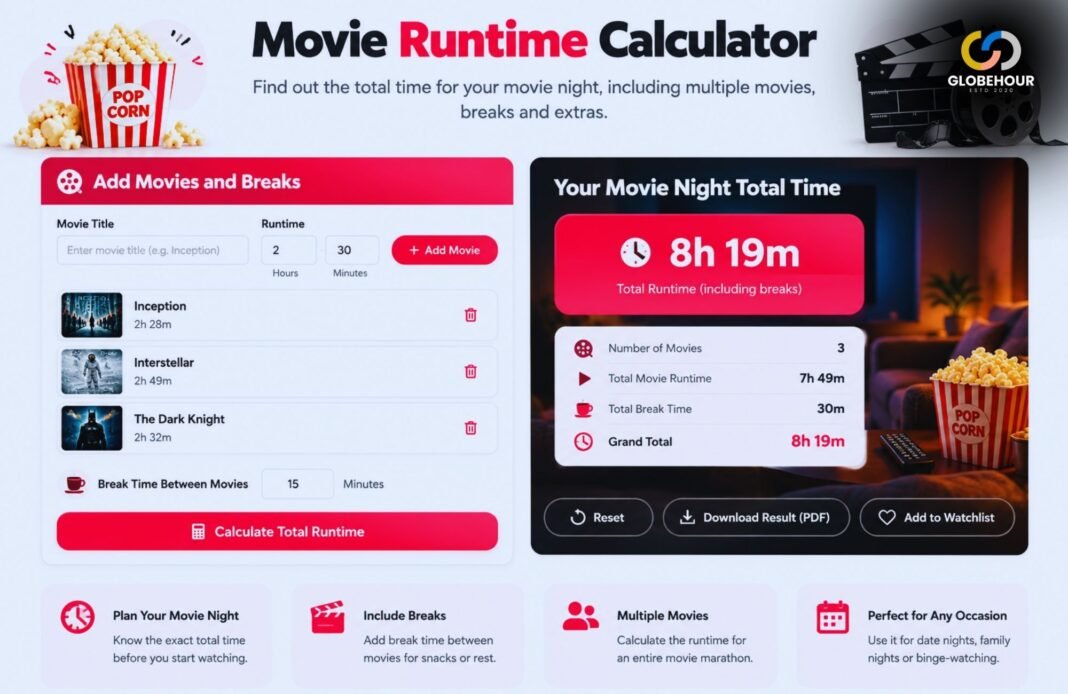
Want to know how much time a movie will actually take from your day? The Movie Runtime Calculator helps you work out the total viewing time, including breaks or multiple movies. It is a simple way to plan a movie night without guessing when you will finish.
Movie Runtime Calculator
Convert a movie runtime into hours and minutes, adjust it for playback speed, subtract intros or credits, add breaks and estimate the real amount of time you need for movie night.
How Long Will The Movie Actually Take?
Enter the listed movie runtime and adjust the settings to match the way you plan to watch.
Your Movie Runtime
Use the official or listed movie length, then add optional playback, skip and break settings.
From Listed Runtime To Real Viewing Time
The Movie Runtime Calculator starts with the movie length, subtracts skipped sections, adjusts for playback speed and then adds your planned breaks.
For multiple movies, the adjusted viewing time is multiplied by the number of movies entered.
What Is A Movie Runtime Calculator?
A Movie Runtime Calculator converts the listed length of a movie into a practical viewing-time estimate. A film listed as 142 minutes, for example, can be easier to understand as 2 hours and 22 minutes. The calculator can also show how that time changes when you use a different playback speed, skip credits, take breaks or watch more than one movie.
This makes the tool useful for ordinary movie nights, home streaming, double features and longer movie marathons. Instead of looking only at the official runtime, you can estimate how long the viewing session will occupy on your actual clock.
The calculator also includes an optional start-time field. If you know when the movie will begin, it can estimate when the full viewing session will finish, including the adjustments you selected.
Turn A Runtime Into A Real Movie-Night Plan
A 120-minute film does not always occupy exactly two hours of your evening. Playback speed, skipped sections and breaks can all change the real finish time.
How To Use The Movie Runtime Calculator
Enter Movie Length
Add the listed runtime in hours and minutes.
Choose Playback Speed
Keep 1× for normal playback or select another speed.
Add Skips And Breaks
Enter credits, intros and planned break time if needed.
See Your Real Time
Review adjusted viewing time and estimated finish time.
If you simply want to convert a runtime from minutes into hours and minutes, enter the movie length and leave all adjustment fields at their default values. With playback speed set to 1× and no breaks or skipped sections, the adjusted viewing time equals the original movie runtime.
Understand Your Movie Runtime Results
Original Runtime
The listed movie length before playback-speed changes, skipped sections or breaks.
Active Watch Time
The amount of content you actually watch after subtracting the skipped minutes.
Total Clock Time
The adjusted playback time plus any breaks you plan to take.
These measurements answer slightly different questions. Original runtime tells you how long the film itself is. Active watch time describes how much content you actually watch. Total clock time tells you how much of your evening the whole viewing session is expected to occupy.
For Scheduling, Use Total Clock Time
If you are deciding whether a movie fits before bed, dinner or another event, the total clock time is usually the most useful result because it includes your selected breaks.
Movie Runtime Conversion Examples
| Movie Runtime | Hours And Minutes | At 1.25× Speed | At 1.5× Speed |
|---|---|---|---|
| 90 Minutes | 1 Hour 30 Minutes | 72 Minutes | 60 Minutes |
| 100 Minutes | 1 Hour 40 Minutes | 80 Minutes | About 67 Minutes |
| 120 Minutes | 2 Hours | 96 Minutes | 80 Minutes |
| 150 Minutes | 2 Hours 30 Minutes | 120 Minutes | 100 Minutes |
| 180 Minutes | 3 Hours | 144 Minutes | 120 Minutes |
The playback-speed examples assume you watch the full movie without breaks, credits skipping or other adjustments. Your own result may therefore be different when additional settings are used.
How Playback Speed Changes Movie Runtime
Playback speed changes how quickly the video progresses through its original content. At normal 1× speed, a 120-minute movie takes 120 minutes to play. At 1.5× speed, the same 120 minutes of video can play in approximately 80 minutes.
Faster Playback
Speeds above 1× reduce the amount of clock time needed to play the same content.
Slower Playback
Speeds below 1× increase the viewing time because every minute of content takes longer.
Playback Speed Formula
To calculate playback time, divide the amount of video you plan to watch by the playback speed. A 100-minute movie watched at 1.25× takes 80 minutes because 100 ÷ 1.25 = 80.
At 2× speed, the same 100-minute movie would theoretically take about 50 minutes. The calculator performs this conversion automatically.
Note: availability of playback-speed controls depends on the player or streaming service you are using.
Skipping Credits Or Movie Intros
Some viewers leave when the main film ends, while others watch the full closing credits. Some streaming releases may also contain studio logos, recaps or opening sequences that a viewer chooses to skip.
The Movie Runtime Calculator lets you subtract these minutes before applying the playback-speed adjustment. This can produce a closer estimate of the content you personally expect to watch.
If a 125-minute movie contains 8 minutes of credits that you plan to skip, your active content becomes approximately 117 minutes before any playback-speed change is applied.
Post-credit scenes: some movies contain scenes during or after the credits. Check before entering a full credits skip if you intend to watch those scenes.
Include Breaks In Your Movie Runtime
Movie runtimes normally describe the film itself, not the amount of time you spend paused for food, bathroom breaks, conversations or other interruptions. For home viewing, those pauses can make the real movie-night duration noticeably longer.
The calculator therefore separates video time from break time. Choose the number of breaks and enter the average number of minutes for each break. Those minutes are added after the playback calculation.
For example, a two-hour movie played at normal speed with two 10-minute breaks occupies about 2 hours and 20 minutes of clock time.
Calculate Runtime For Multiple Movies
The Number Of Movies input can be used for double features, trilogies and movie marathons. The calculator applies the same runtime and adjustment settings to every movie in the count.
This works best when the movies have roughly similar runtimes. If the films have very different lengths, calculate them separately and add the final results, or use a dedicated Movie Marathon Calculator for a larger viewing plan.
Double Feature
Set Number Of Movies to 2 to estimate the total time for two equal-length films.
Trilogy
Use 3 when planning three movies with approximately the same runtime.
Long Marathon
Increase the movie count and include realistic break time for a more practical schedule.
Estimate Your Movie End Time
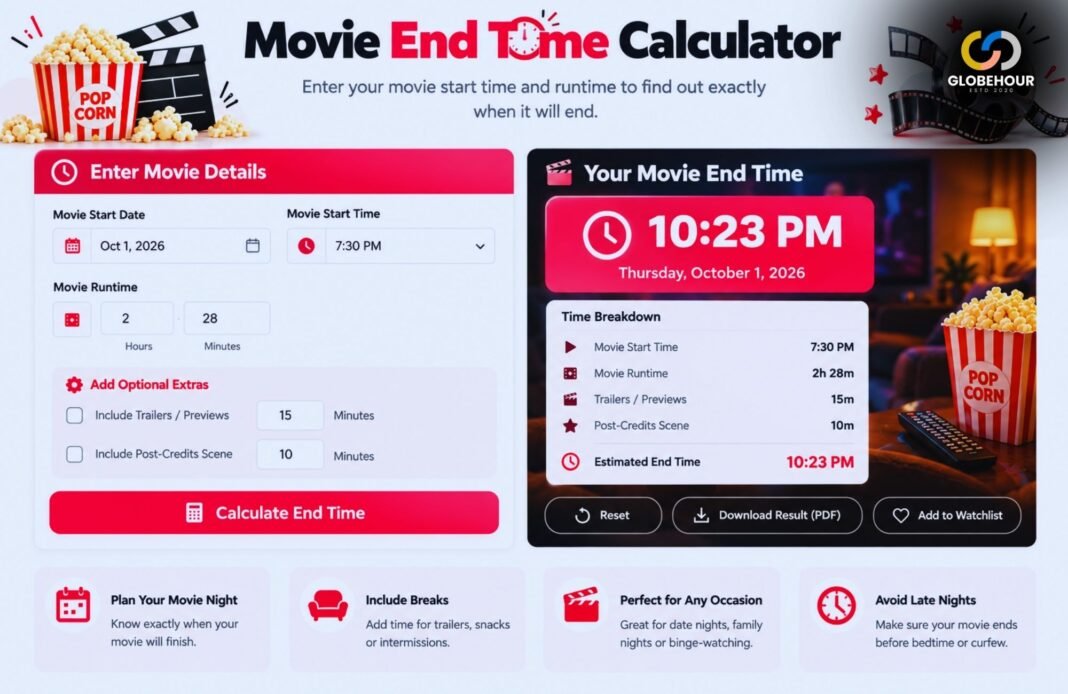
When you enter a start time, the Movie Runtime Calculator can add the adjusted viewing duration to that time and estimate when your session will finish.
For example, if your total clock time is 2 hours and 15 minutes and you begin at 7:30 PM, the estimated ending time is 9:45 PM.
For a dedicated tool focused specifically on start and finish times, use the Movie End Time Calculator. It can be useful when planning dinner, transportation, sleep or another event after the movie.
Where To Find A Movie’s Runtime
The most accurate runtime usually comes from the specific version of the movie you plan to watch. Check the streaming-service listing, disc packaging, official distributor information or the movie’s information page.
Classification organizations may also publish runtime information for films they have reviewed. For example, the British Board of Film Classification publishes film classification information in the UK.
If the movie exists in several cuts, make sure the runtime you enter matches the theatrical, director’s, extended or special edition you actually plan to watch.
Theatrical Cuts Vs Extended Movie Runtimes
The same movie can sometimes exist in more than one version. A theatrical cut may be shorter than a director’s cut or extended edition, and different releases may contain additional scenes, credits or restored footage.
Theatrical Version
Usually refers to the version prepared for the movie’s original cinema release.
Extended Version
May contain additional scenes or alternate material and therefore run longer.
Always enter the runtime for the exact version you plan to watch. Otherwise, the calculator can perform the arithmetic correctly while still giving a schedule that does not match your actual movie.
Streaming Ads And Movie Runtime
The listed movie runtime generally represents the movie itself. It does not necessarily tell you how much additional time an ad-supported service may add before or during playback.
If you know approximately how much advertising or interruption time to expect, you can represent it with the break settings. For example, three five-minute interruptions can be entered as three breaks of five minutes each.
Because advertising patterns can change, the result should be treated as an estimate rather than a guaranteed ending time.
Tips For A More Accurate Movie Runtime Estimate
- Use the runtime for the exact edition you plan to watch.
- Keep playback speed at 1× for normal viewing.
- Subtract credits only when you really intend to skip them.
- Include realistic bathroom or food breaks.
- Add advertising time as breaks when using an ad-supported service.
- Calculate different movies separately when their runtimes vary greatly.
- Use the optional start time when the finishing time matters.
- Recalculate if your viewing plan changes.
Do Not Count The Same Adjustment Twice
If the runtime you enter already excludes an opening or credits section, do not subtract that time again. Similarly, if a streaming service reports an estimated session duration that already includes ads, adding those ads again could overstate the result.
Movie Runtime Calculator Vs Movie End Time Calculator
Movie Runtime Calculator
Best when you want to convert and adjust movie length using speed, skips, breaks or multiple films.
Movie End Time Calculator
Best when your main question is what time a movie will finish after starting at a specific clock time.
The tools overlap because runtime and ending time are closely connected, but they solve different planning problems. Use the runtime calculator when you want to understand the length itself. Use the end-time calculator when the schedule is the main concern.
Related Movie Tools
Movie Runtime Calculator FAQ
How Do I Convert Movie Minutes Into Hours And Minutes?
Divide the total number of minutes by 60. The whole-number portion is the number of hours and the remainder is the extra minutes. For example, 150 minutes equals 2 hours and 30 minutes.
How Long Is A 120-Minute Movie?
A 120-minute movie is exactly 2 hours long at normal 1× playback before any breaks or other viewing adjustments.
How Long Is A 90-Minute Movie?
Ninety minutes equals 1 hour and 30 minutes.
How Does Playback Speed Affect Movie Runtime?
Divide the amount of content you plan to watch by the playback speed. For example, 120 minutes at 1.5× playback takes approximately 80 minutes.
Does The Calculator Include Credits?
The original runtime includes whatever is contained in the runtime you enter. If you plan to skip some closing credits, enter those minutes in the Credits Skipped field.
Can I Add Bathroom Or Food Breaks?
Yes. Enter the number of breaks and the average number of minutes per break. The calculator adds that time to the adjusted viewing duration.
Can I Calculate Two Movies At Once?
Yes. Increase Number Of Movies to 2. This works best when both movies have approximately the same runtime and viewing settings.
Can The Movie Runtime Calculator Tell Me When The Movie Ends?
Yes. Add an optional Movie Start Time and the calculator will estimate the ending time using your adjusted total viewing duration.
Does Movie Runtime Include Streaming Ads?
Not necessarily. A listed movie runtime normally describes the movie itself. Use the break fields to estimate additional advertising or interruption time.
Why Can The Same Movie Have Different Runtimes?
Different theatrical, director’s, extended or regional versions can contain different footage. Enter the runtime for the exact version you plan to watch.
Does The Calculator Store My Inputs?
The calculation runs in your browser and does not require an account. Reloading or resetting the page clears the calculator values.
Know Exactly How Much Time Your Movie Needs
Enter the runtime, adjust your playback and break settings, and turn a simple movie length into a practical viewing schedule.
Calculate Movie RuntimeExplore more entertainment tools on GlobeHour.